Print onto small and awkward shaped products
Just hold the jetStamp 970 in place and pull the trigger

Porous and non-porous materials
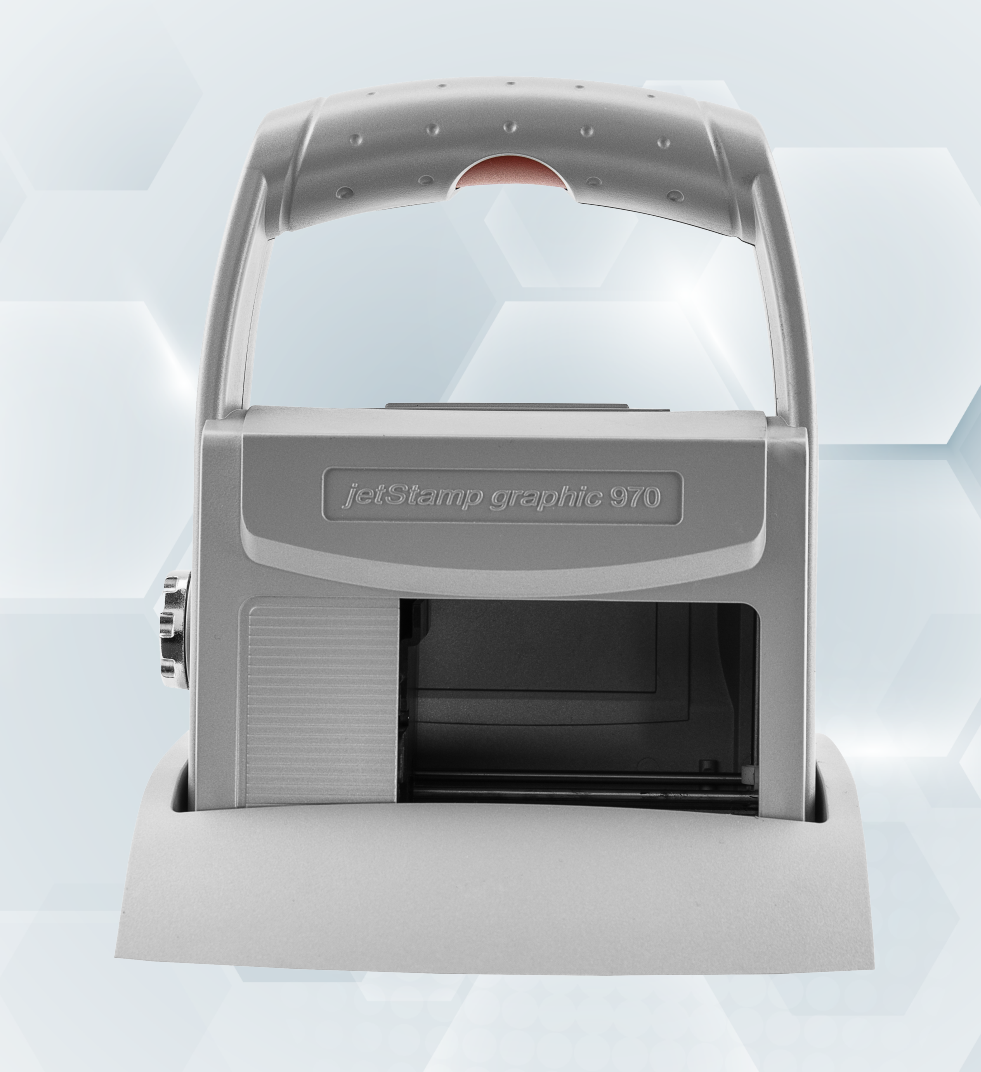
REINER jetStamp 970
jetStamp 970 is a versatile handheld inkjet printer capable of printing text from 1 to 12.7mm high, detailed graphics, barcodes and 2D codes onto porous and non-porous materials.
The print unit is simply held in place and the trigger in the handle pulled. The printhead then traverses within the frame of the printer to make the print in about 1 second. This method of operation makes the jetStamp 970 ideal for printing onto bottles, jars, tubes and other items that cannot be printed with a roll-over style printer. Small products such as trays, pouches, sleeves and small cartons can also be easily and accuratley printed.
Water-based black and magenta inks can be used to print onto porous materials including paper, unvarnished card and timber. Standard and high-resistance black inks are available to print onto non-porous surfaces including plastic, glass, metal, varnished card and foils. For security marking applications, UV-fluorescing solvent-based ink can be used to print onto a range of materials. Specialist UV-fluorescing barcode readers can be used to read 'invisible' 1D and 2D codes.
Specification
| Print area: | 65 x 12.7mm per print message - up to 4 print messages may be stored at a time |
| Resolution: | 300 dpi |
| Technology: | TIJ 2.5 thermal inkjet |
| Print Direction: | Any |
| Text size: | 1 to 12.7mm in any font and point size |
| Graphics: | Monochrome up to 65 x 12.7mm |
| Barcodes: | All common linear 1D barcodes including sequential numbering |
| 2D codes: | QR codes automatically printed. Other 2D codes may be printed as graphics. |
| Inks | Water-based black and magenta for porous surfaces. Solvent-based standard and high-resistance black and UV-fluorescing for porous and non-porous surfaces. |
| Interfaces | USB and Bluetooth. Digital print trigger input. |
| Dimensions: | Print unit: 140 x 160 x 85mm |
| Weight: | Print unit: 520g |
| Kit contents: | Print unit, docking station, rechargeable batteries, ink cartridge, PC-Set Graphic software, cables |
| Battery life: | 3 hours printing / 6 hours standby. 90 minute recharge from mains. Spare batteries available. |
| Power for charging: | 90-240Vac @ 50-60Hz or via PC USB port |
Simple 3-Step Operation

1. Design
Using PC Set Graphic software, create or load up to 4 print images. Each may contain text in any font and point size, high definition graphics, barcodes and 2D codes. Variable data such as date, time, expiry date and counters can also be included. Transfer print images to jetStamp 970 via USB or Bluetooth.

2. Select
Using the dial on the side of the jetStamp, select the required print image. Alternatively, the system can be set to automatically cycle through up to 4 stored print images automatically. This allows the operator to print several print images on the same product without touching the controls.

3. Print
Hold the jetStamp in place on the product and pull the trigger in the handle. The printhead then traverses within the frame of the printer to make the print in about 1 second. Alignment marks in the base of the printer make alignment quick and easy. Martek also offers custom-made jigs for awkward-shaped products to ensure accurate printing.
Gallery